Overview
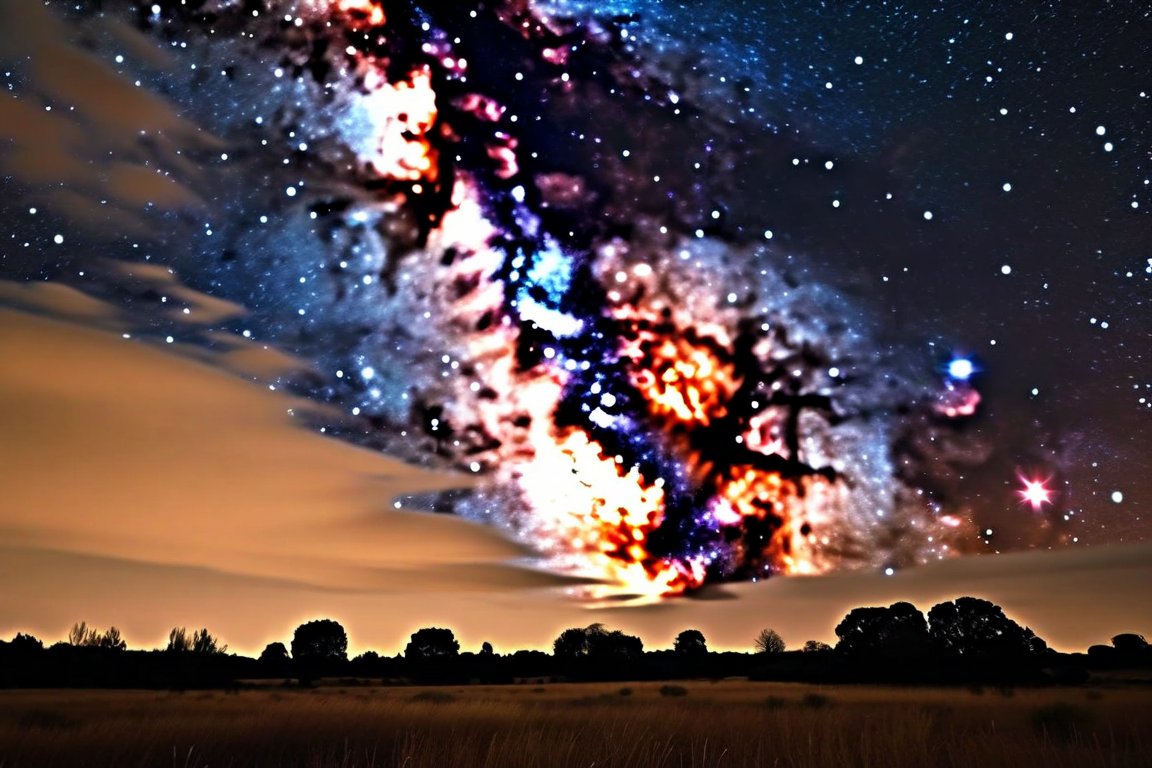
Get ready to capture the stunning beauty of the night sky using just your smartphone! Night photography is a thrilling way to explore the cosmos, and it’s surprisingly accessible. Many beginners struggle with blurry images or poor exposure, but with a little practice and the right technique, you'll be amazed at what you can achieve.
Materials
- Smartphone with manual camera controls
- Tripod or stable surface
- Remote shutter release or timer setting
- Photo editing app (e.g., Snapseed, Lightroom)
- Warm clothing (if shooting outdoors on a cool night)
Time & Difficulty
- Total time: 1–2 hours
- Active time: 30–60 minutes
- Editing time: 30 minutes
- Difficulty: Beginner to Intermediate
Step-by-Step
- Choose a dark location: Find a spot away from city lights to minimize light pollution.
- Set up your tripod: Secure your smartphone to a tripod or a stable surface to prevent camera shake.
- Open your camera app: Switch to manual or pro mode to access advanced settings.
- Adjust ISO settings: Start with an ISO of 800 and adjust as needed; higher ISO captures more light but can introduce noise.
- Set shutter speed: Use a long exposure, around 10–30 seconds; experiment to find what captures the stars best.
- Focus manually: Set focus to infinity to ensure stars appear sharp.
- Use a remote shutter: Trigger the shutter with a remote or timer to avoid shaking the camera.
- Review your shot: Check your image for clarity and adjust settings as needed.
- Edit your photo: Use a photo editing app to enhance contrast, adjust brightness, and reduce noise.
- Save and share: Once satisfied with your edits, save and share your stunning night sky photo!
Pro Tips
- Experiment with different exposure times for varying effects.
- Use a star map app to identify constellations and plan your composition.
- Shoot in RAW format if your phone supports it for better editing flexibility.
Common Mistakes
- Blurry images: Ensure your phone is stable; check focus settings.
- Overexposed stars: Lower ISO or reduce exposure time.
- Noise in photos: Use noise reduction tools in editing apps.
Safety Notes
- Be mindful of your surroundings if shooting at night in unfamiliar areas.
- Ensure your equipment is secure on the tripod to prevent falls.
- Dress warmly if shooting outdoors in cool weather to stay comfortable.
Cleanup & Storage
- Store your tripod in a dry place to prevent rust.
- Keep your phone battery charged for future shoots.
- Organize and back up your photos to avoid losing them.
Next Exercises
- Try capturing the Milky Way during a new moon for minimal light interference.
- Experiment with light painting using a flashlight during long exposures.
- Photograph a meteor shower for dynamic night sky images.