Overview
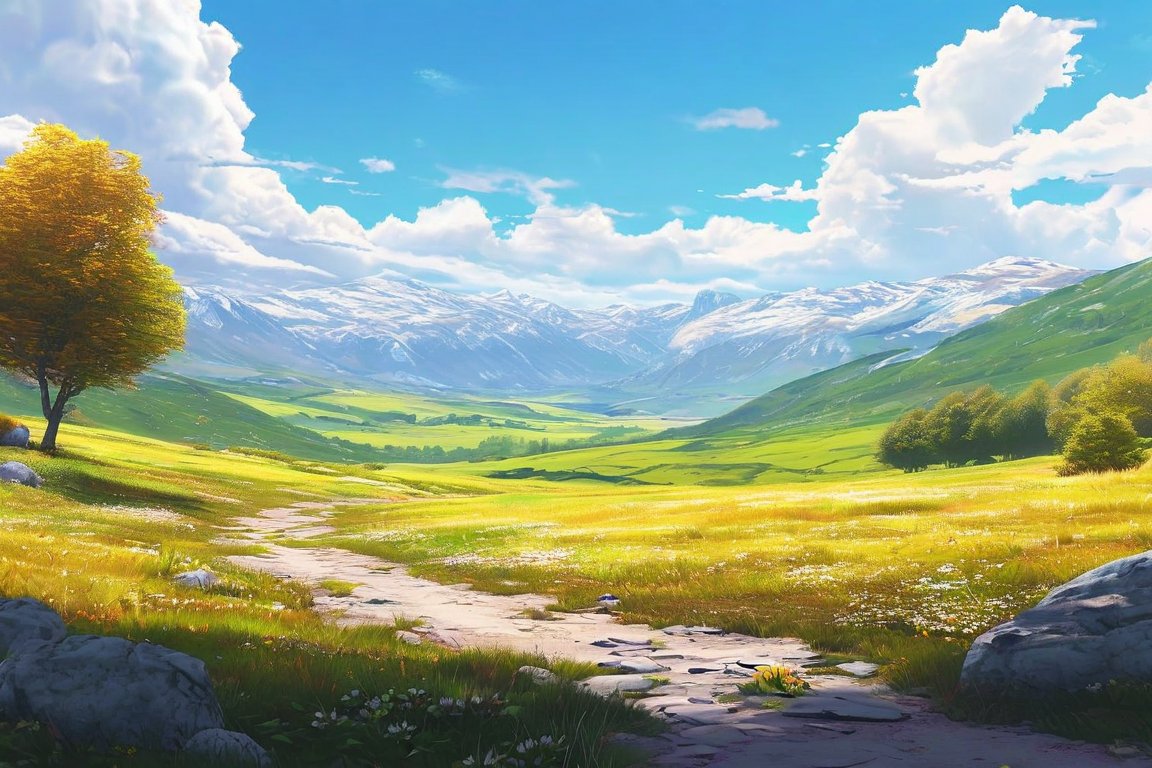
We’re going to create a stunning 5-color digital landscape in just one hour. This project is a wonderful introduction to digital painting, offering a playful exploration of color and composition. Beginners often trip over color selection and brush techniques, but you'll pick up essential skills to overcome these hurdles.
Materials
- Digital painting software (e.g., Adobe Photoshop, Procreate)
- Graphics tablet or touch screen device
- Stylus
- Color palette (5 colors of your choice, pre-selected)
Time & Difficulty
- Total time: 1 hour
- Active time: 1 hour
- Difficulty: Beginner
Step-by-Step
- Set Up: Open your digital painting software and create a new canvas. Aim for a size of 1920x1080 pixels for a good balance of detail and speed.
- Select Colors: Choose your 5-color palette. Consider a mix of contrasting and complementary colors for dynamic results.
- Create Layers: Set up at least three layers: background, midground, and foreground. This will help you manage your composition.
- Paint Background: Start with the background layer. Use a large soft brush to fill in the sky, blending two of your colors for a gradient effect.
- Add Midground: On the midground layer, use a smaller brush to paint mountains or hills. Use a darker color for depth.
- Detail Foreground: Switch to the foreground layer. Add elements like trees or water. Use your brightest color for highlights.
- Blend Colors: Use the blending tool to soften edges and create smooth transitions between elements.
- Refine Details: Use a fine brush on the foreground layer to add details and texture, such as leaves or ripples.
- Review Composition: Step back and review your composition. Make any necessary adjustments to balance the scene.
- Save Your Work: Save your file in both editable format and as a high-quality JPEG for sharing.
Pro Tips
- Use quick keys to switch between tools and save time.
- Zoom in and out frequently to get both detailed and overall views of your work.
- Experiment with different brush opacities for subtle blending.
Common Mistakes
- Using too many colors: Stick to your 5-color limit to maintain harmony.
- Over-blending: Keep some edges sharp to add interest and focus.
- Ignoring composition: Use the rule of thirds to guide element placement.
Safety Notes
- Take breaks to avoid eye strain and wrist fatigue.
- Keep your workspace ergonomically friendly to prevent discomfort.
Cleanup & Storage
- Close all unused software to keep your computer running smoothly.
- Organize your files in a dedicated folder for easy retrieval.
Next Exercises
- Try a 3-color landscape to challenge your color blending skills.
- Experiment with different brush textures to create varied effects.
- Create a nighttime scene to practice lighting and shadow techniques.
By Theo Northlake.