Overview
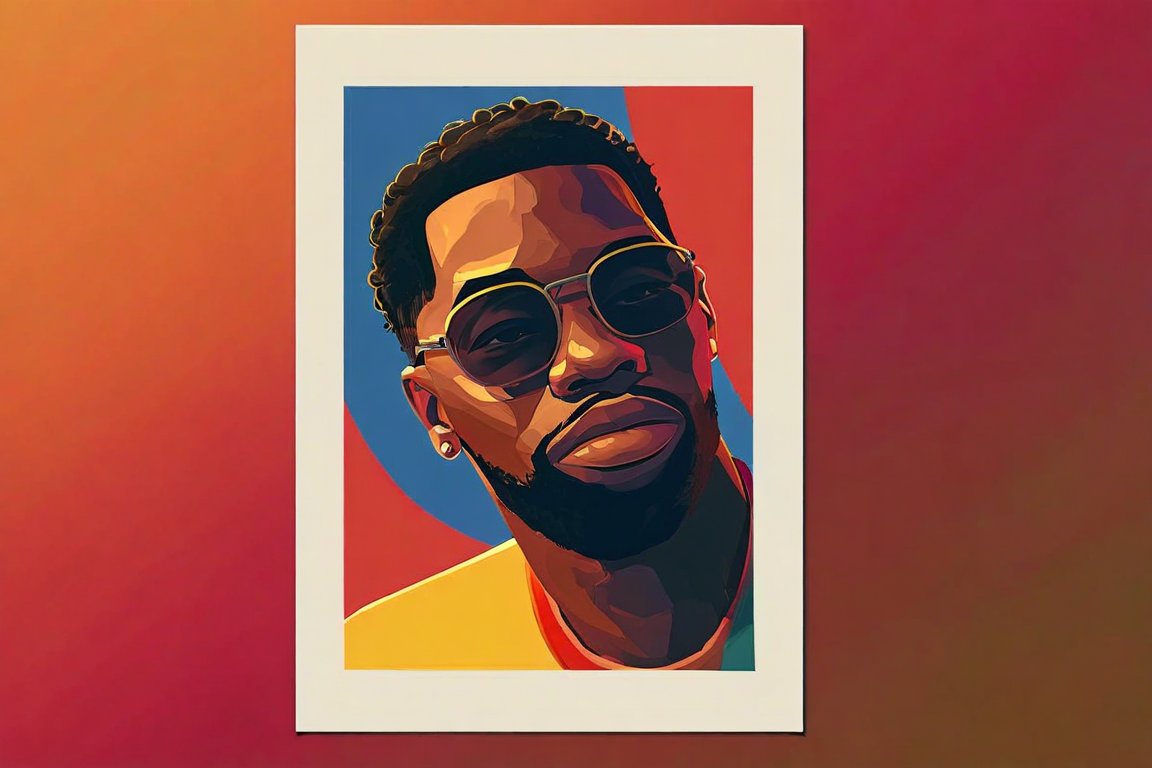
In this project, you'll create a vibrant 5x7 inch digital poster using free software. Designing posters is creatively rewarding and a great way to learn about composition and color theory. Beginners often struggle with visual hierarchy and balancing elements, but with practice, you'll master these skills.
Materials
- A computer with internet access
- Free graphic design software (e.g., GIMP or Inkscape)
- 5x7 inch digital canvas setup (127 x 178 mm)
- Free downloadable fonts (Google Fonts is a great resource)
- Stock images or vectors (available from free resources like Unsplash or Pixabay)
- Basic knowledge of layers and typography
Time & Difficulty
- Total time: 2 hours
- Active time: 1.5 hours
- Difficulty: Beginner-friendly
Step-by-Step
- Download and Install your chosen free graphic design software.
- Create a New Document with the dimensions 5x7 inches (127 x 178 mm).
- Set Up Layers to organize your poster elements: background, images, text.
- Design the Background using a solid color or gradient that complements your theme.
- Import Images or vectors and arrange them on the canvas, ensuring they enhance the message.
- Add Text by selecting fonts that are legible and match your design style.
- Apply Visual Hierarchy by adjusting the size and weight of elements to lead the viewer's eye.
- Use Color Theory to ensure your colors work well together and convey the right mood.
- Adjust Layers to create depth, moving elements forward or backward as needed.
- Review and Refine your design, making sure everything aligns and is visually balanced.
- Save Your Work in both editable and export formats (e.g., .xcf or .svg, and .png or .jpg).
- Export your final design, ensuring it maintains high quality for sharing or printing.
Pro Tips
- Use a color palette generator to find harmonious color schemes.
- Keep text to a minimum for clarity and impact.
- Experiment with transparency to blend images and text seamlessly.
Common Mistakes
- Overcrowding the design: Keep it simple and focused.
- Mismatched fonts: Limit your design to 2-3 complementary fonts.
- Ignoring margins: Leave space around the edges for a professional look.
Safety Notes
- Ensure your software is from a reputable source to avoid malware.
- Take breaks to prevent eye strain from screen time.
Cleanup & Storage
- Organize files into folders by project for easy access.
- Back up your work on cloud storage or an external drive.
- Keep software updated to access the latest features and security patches.
Next Exercises
- Create a series of posters with different themes to practice consistency.
- Experiment with creating vector illustrations using Inkscape.
- Design a digital flyer incorporating more advanced typography techniques.